SwiftUI, all the way
No web shell around a web page. The interface is made of the same controls as the apps you already use.
 Cruise
Cruise through the internet like a captain.
A browser written natively in SwiftUI. Large panes of Liquid Glass, and motion that feels alive.
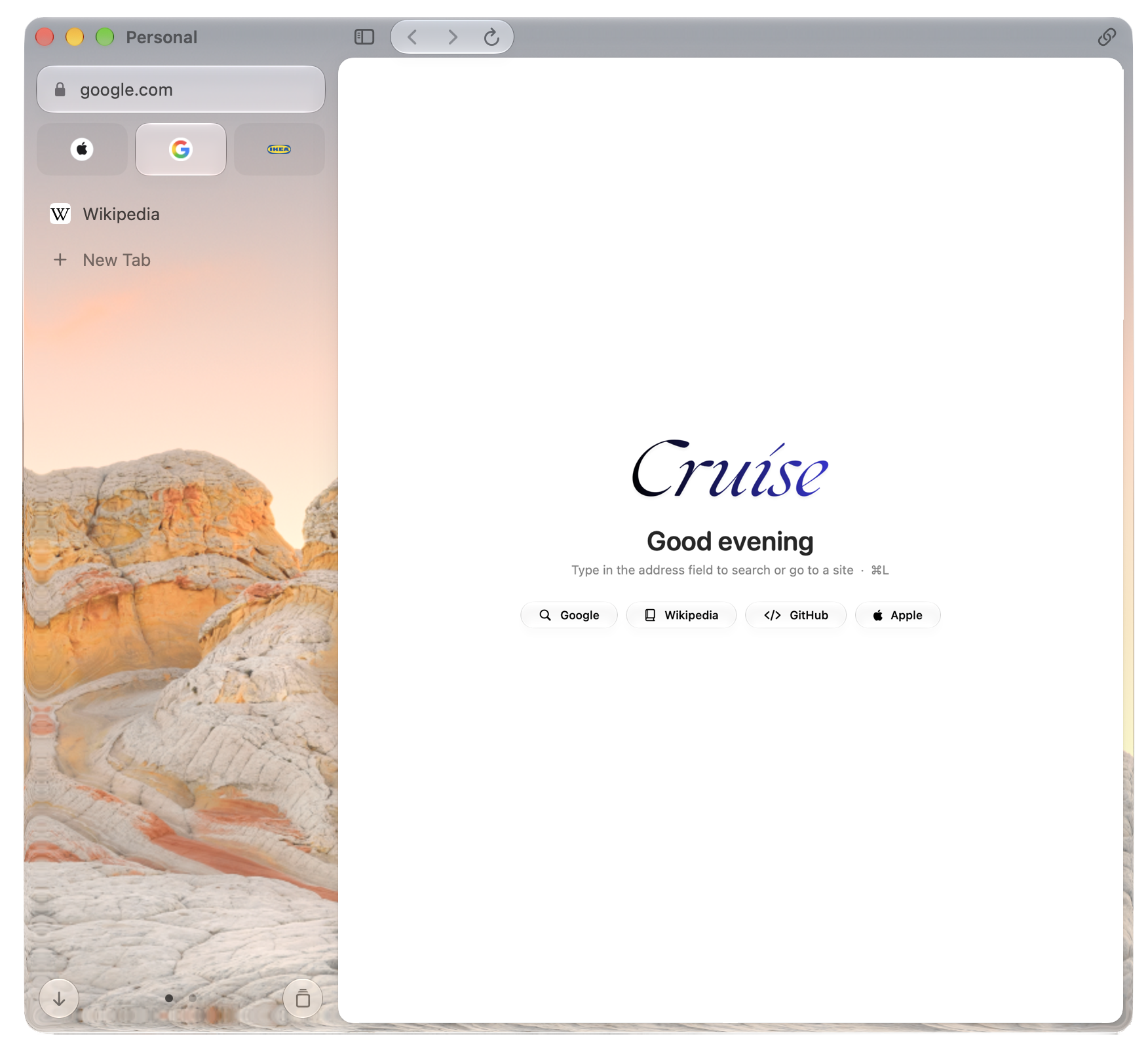
Liquid Glass
Cruise gives the sidebar one large sheet of Liquid Glass. It picks up your wallpaper and the colors of the page, so the browser feels like part of your desktop instead of a box on top of it.
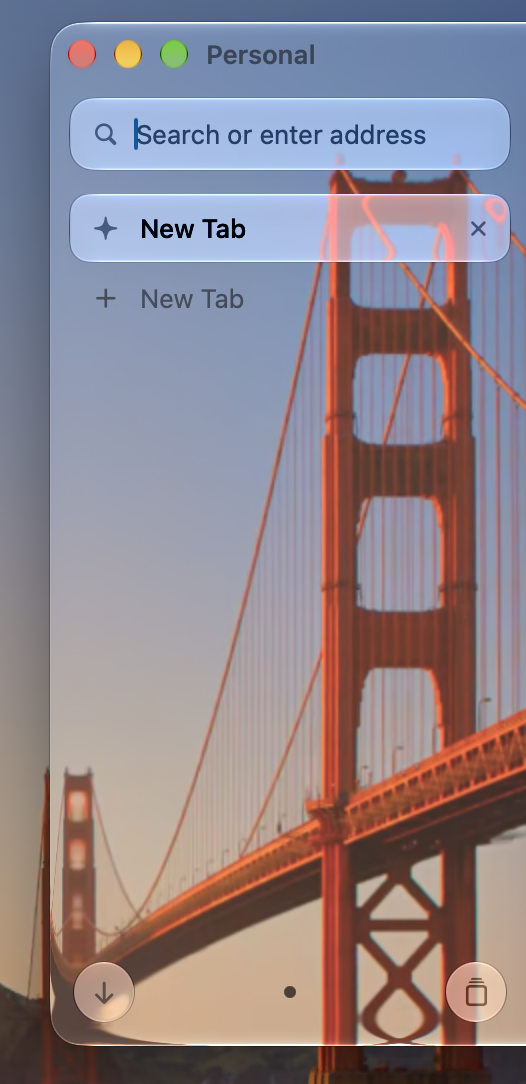 SwiftUI
Follows your wallpaper
SwiftUI
Follows your wallpaper
Pin Tabs
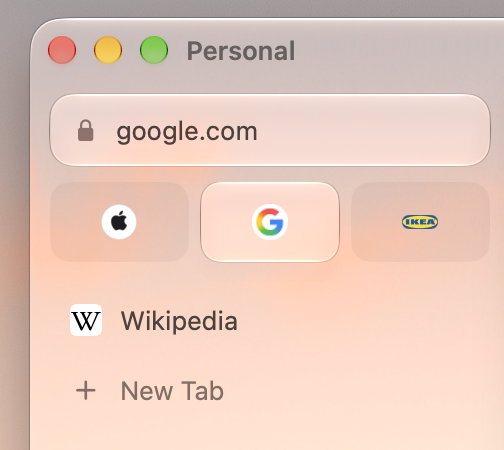
Pin the sites you open every day. They sit at the top of the sidebar as large tiles, one click away, and stay put while everything else comes and goes.
Try it. Tap the pin on a tab, or tap a tile to unpin.
Smart Search
Type an address, a question or the name of a tab. Cruise works out what you mean and puts the best answer first.
Profiles
Each profile has its own tabs, pinned sites, cookies and sign-ins. Switch in one click and nothing crosses over.
Built for the Mac
No web shell around a web page. The interface is made of the same controls as the apps you already use.
Panels stretch, settle and morph with springs. Opening a tab or switching a profile feels like handling an object.
Everything lives in the sidebar, so the web page gets the whole window and a clean, rounded frame.