

Ataraxia app icon: a coral, embossed letter A on warm ivory

A spatial browser for Mac

A quieter way to explore the web.

A spatial browser for Mac. More room for your ideas, less noise between them.

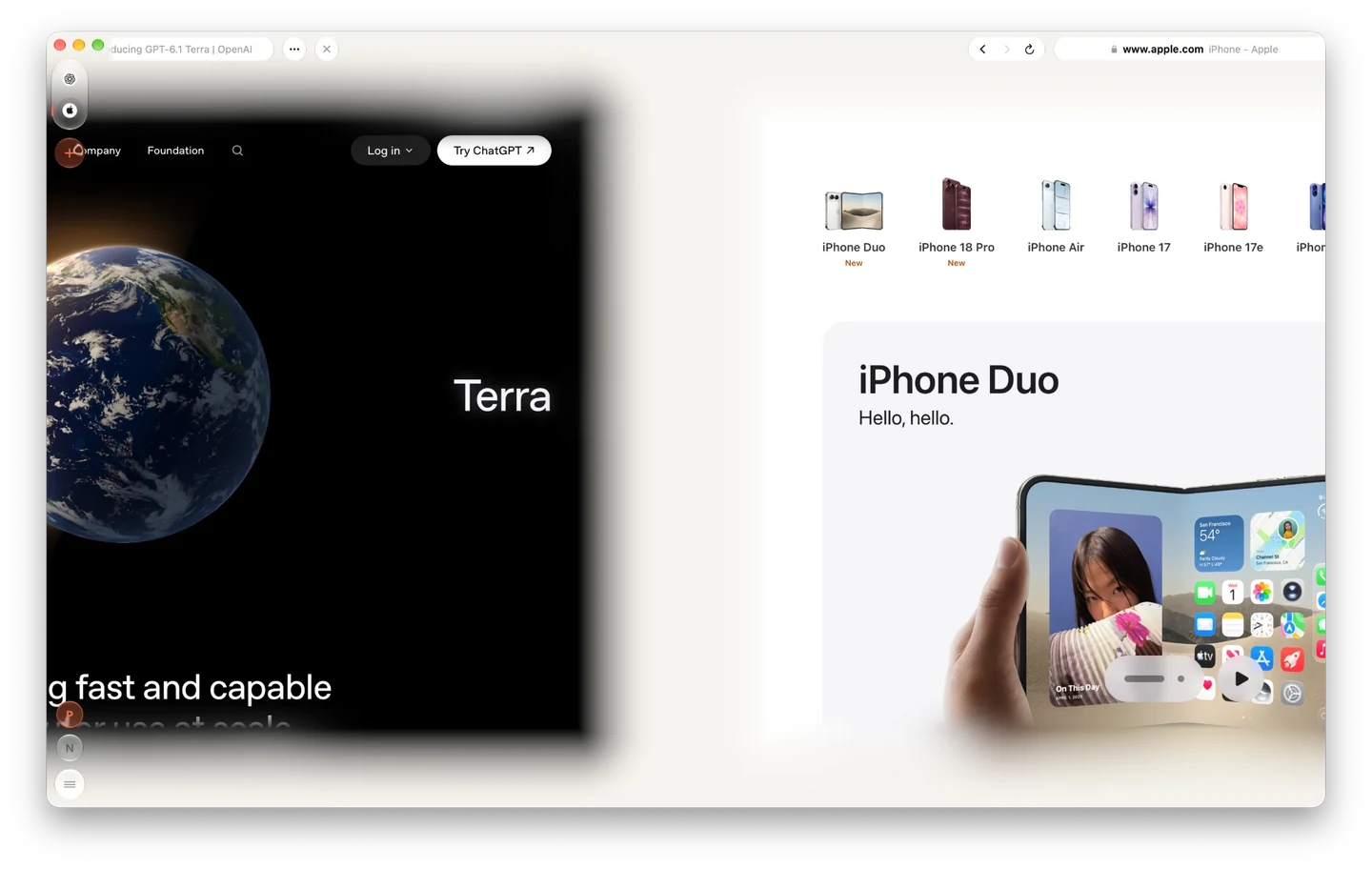
Ataraxia window with two web pages side by side on one continuous canvas: OpenAI on the left and Apple's iPhone page on the right, their edges dissolving in their own colours into the warm ivory between them.
Two pages, one continuous space. A real Ataraxia window.

01 / A different dimension

Your pages, side by side.

Instead of burying every page behind another tab, Ataraxia gives the web a continuous space of its own.

  1. Continuous canvasPages sit next to each other. Swipe horizontally to travel between them.
  2. Free PeekStop anywhere in between, with a neighbouring page half in view.
  3. Weak snappingSettle near a page and it aligns gently. Stop elsewhere and nothing pulls at you.
  4. Independent cardsEvery page keeps its own address, history and navigation.

02 / Immersive Browsing In development

Where the page ends, nothing begins.

Web pages have always lived in boxes. Here, the page dissolves into the window around it, carrying its own colours outward until you can no longer say where it stopped.

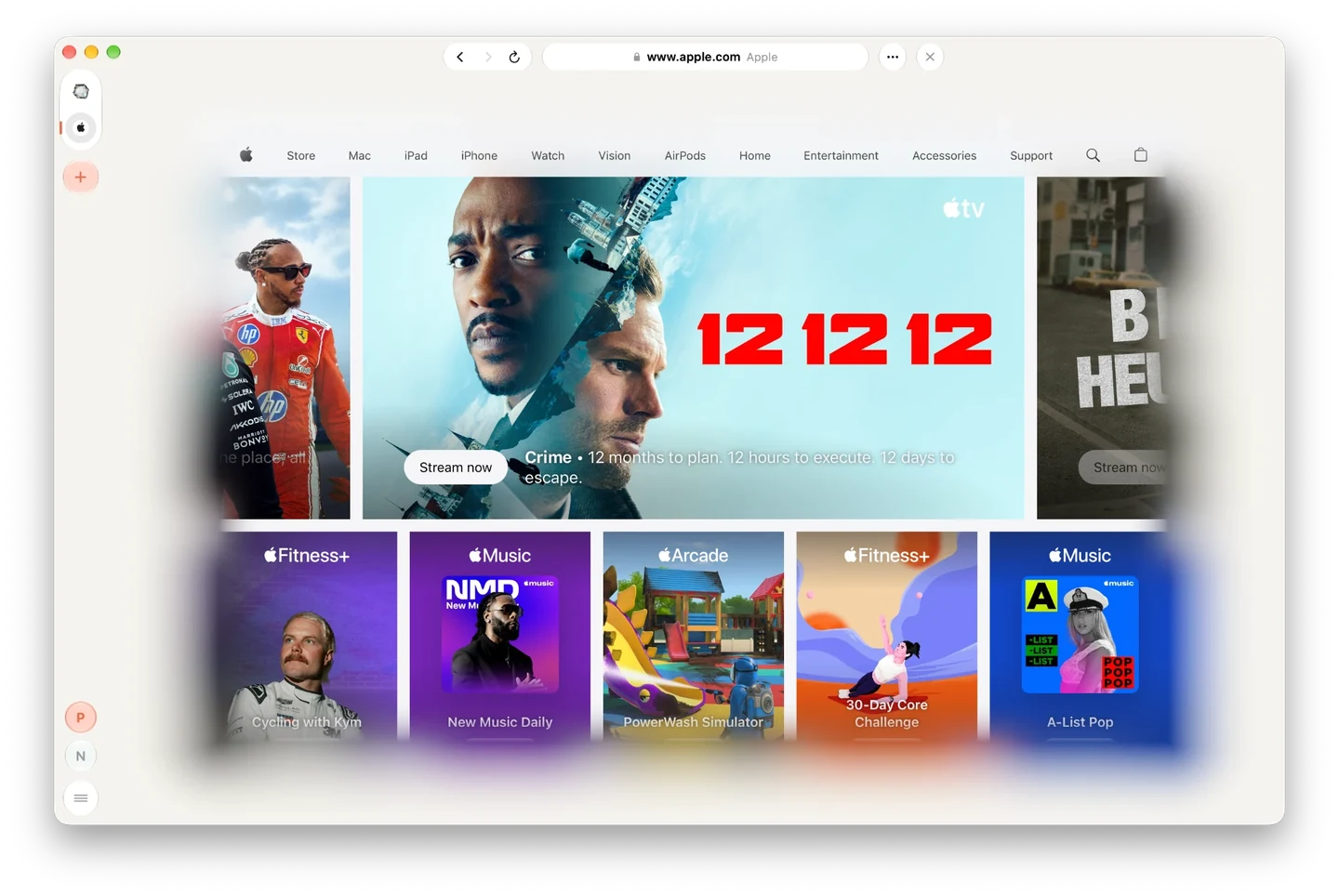
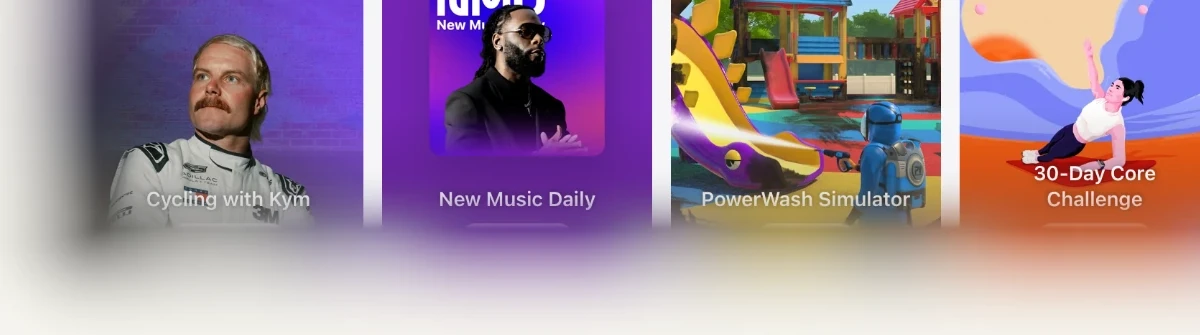
Apple's website in an Ataraxia window. The page has no visible border: its reds, violets, oranges and blues fade softly outward into the warm ivory window on every side.
Captured in Ataraxia for Mac.
Close-up of the bottom edge: violet, olive, orange and blue each continue downward beneath the tile they came from.
The colour comes from the page. Each stretch of the edge lends its own colour to the space beside it. Violet beneath violet, orange beneath orange.
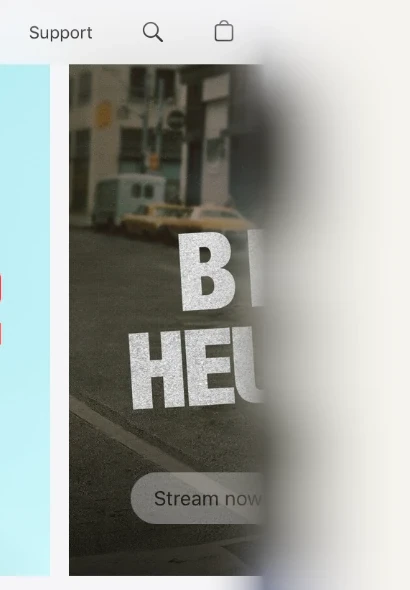
Close-up of the right edge: a dark photograph softening into warm ivory with no hard line.
No line to find. Content loosens gradually into ivory, on all four sides.

And then, the window Coming in 1.1

Immersive Mode.

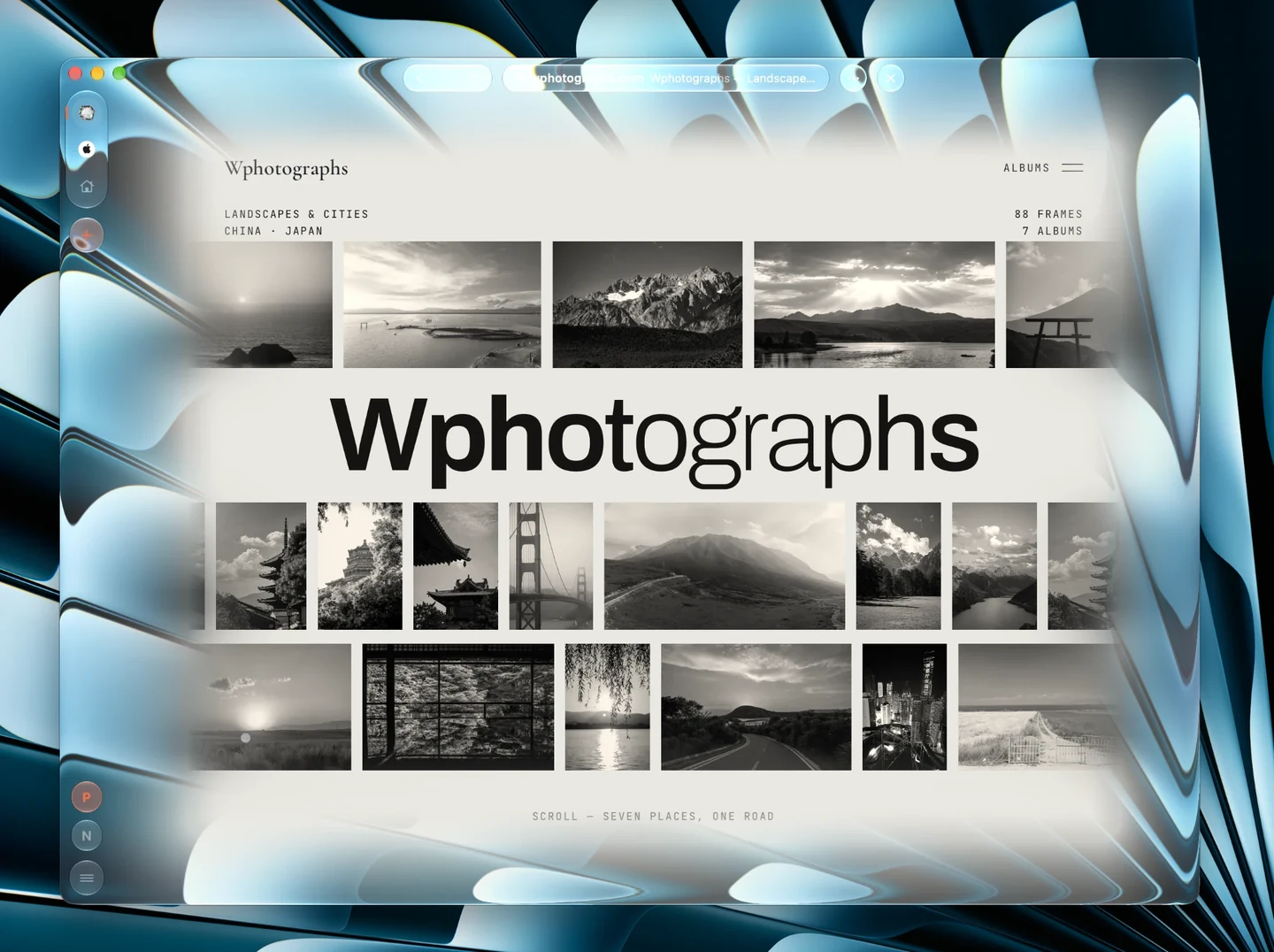
The page lets go of its edges. Immersive Mode lets the window go too. The canvas turns to clear Liquid Glass, and your pages seem to float just above the desktop.

  • A clear glass canvas in place of the ivory one
  • Pages rest over your desktop, not inside a frame
  • Address, navigation and the Rail stay above the content
  • One switch, whenever you want it
Ataraxia in Immersive Mode showing wphotographs.com: the window is clear glass, so the blue desktop wallpaper shows through around the page, and the photo grid appears to float above the desktop.
Immersive Mode, from a 1.1 development build.

03 / Your space, your way

Make room for what matters.

Move to the right edge of a page and a small Liquid Glass handle appears. Drag it, and the page widens or narrows exactly as far as you want.

  • Adjustable card widths, from compact to wider than the window
  • Pages reflow naturally, without reloading
  • Neighbouring pages shift along the canvas
  • Widths are remembered across restarts
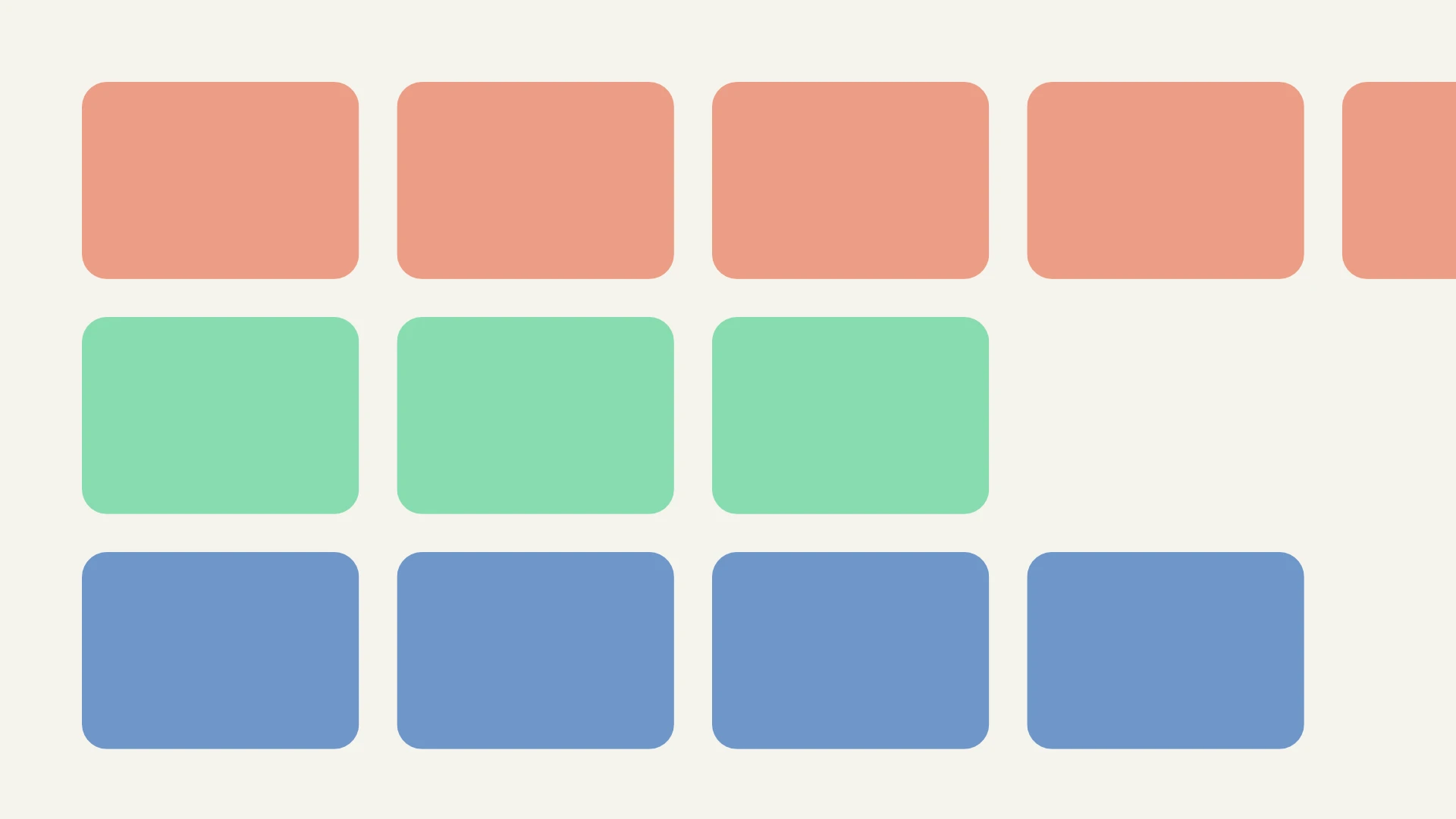
Conceptual illustration — not a product capture.
Illustration of Profile Spaces: three rows of cards in coral, green and blue. Each row is a profile; its pages run horizontally, and profiles stack vertically.
Profile Spaces · concept illustration. Each row is a profile, with its own pages running sideways.

04 / Separate identities

Different worlds. One browser.

Profile Spaces add a second direction: browse horizontally within a profile, and move vertically between profiles, each with its own place on the Rail.

  • Separate website sign-ins and cookies for each profile
  • Independent spatial layouts
  • Shared bookmarks and history
  • Distinct native glass profile controls

Up to three profiles. Profile Spaces keep browsing sessions apart; they are not a security boundary or a separate macOS account.

Every detail, considered.

Ataraxia's Omnibox expanded inside the address capsule: the query 'hello' with a Google search suggestion and a history match.

Smart Omnibox

Everything you need, in one place.

One field for addresses and search, with suggestions from your history and bookmarks. Google search by default, online suggestions only if you turn them on, all inside a native Liquid Glass capsule that expands in place.

The address capsule glowing with soft coral light while google.com loads.

Elegant loading

Progress, without the noise.

No bright bar racing across the top. The address capsule fills with a soft coral glow that follows the real page load, then fades away.

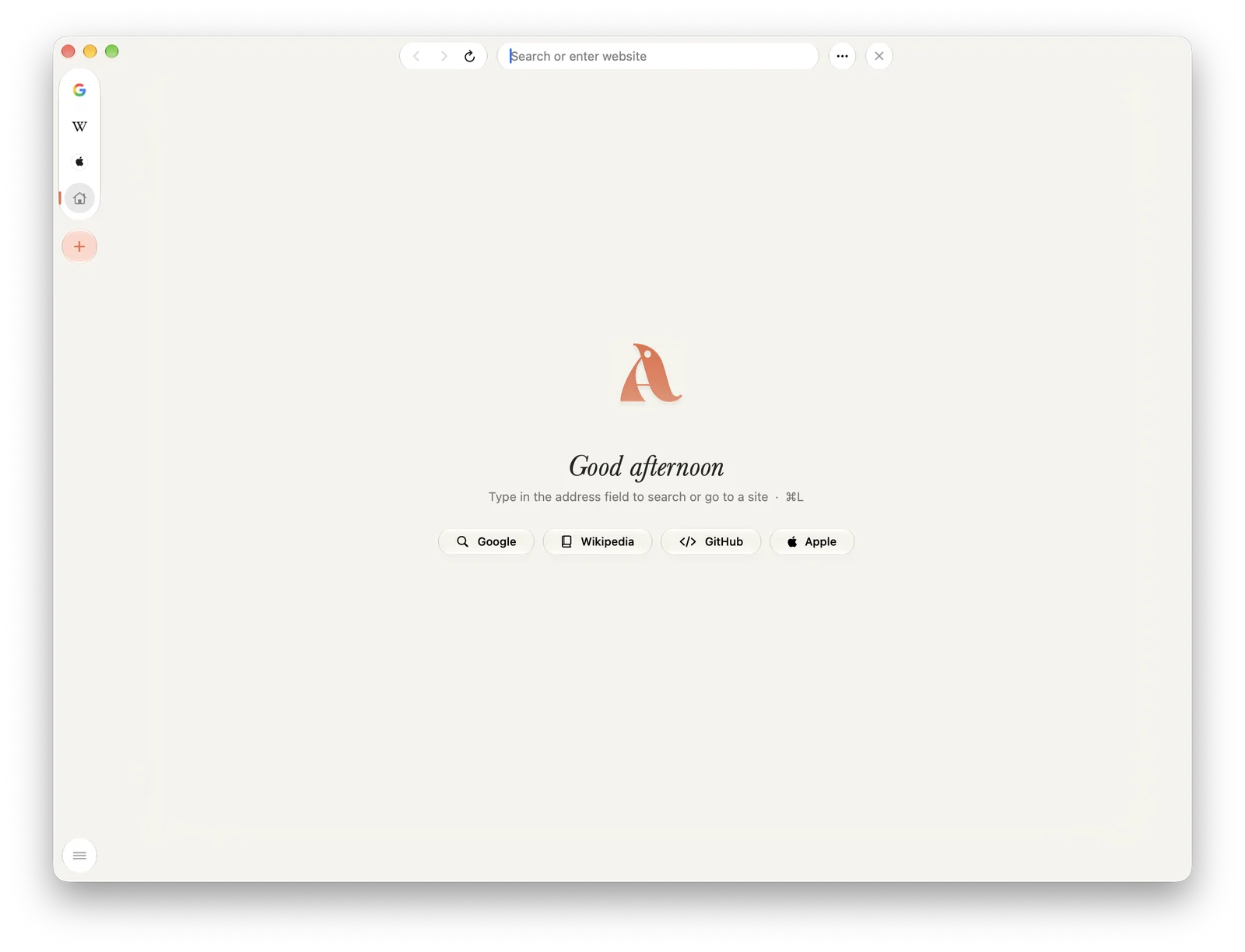
Ataraxia's Start Page: the embossed logo, a 'Good afternoon' greeting in italic serif and four quick-access shortcuts on warm ivory.

A thoughtful start

A little calm before every journey.

The embossed Ataraxia mark, a greeting set in italic serif and four quiet shortcuts on warm ivory. Nothing more.

Session restoration

Pick up where you left off.

Quit and come back to the same space.

  • Your open cards, in order
  • Each card's width
  • Where you were on the canvas
  • Even a Free Peek between two pages

05 / Ataraxia for iPhone In development

The same calm, in your hand.

A companion for the moments away from your Mac, shaped for one hand and a smaller window.

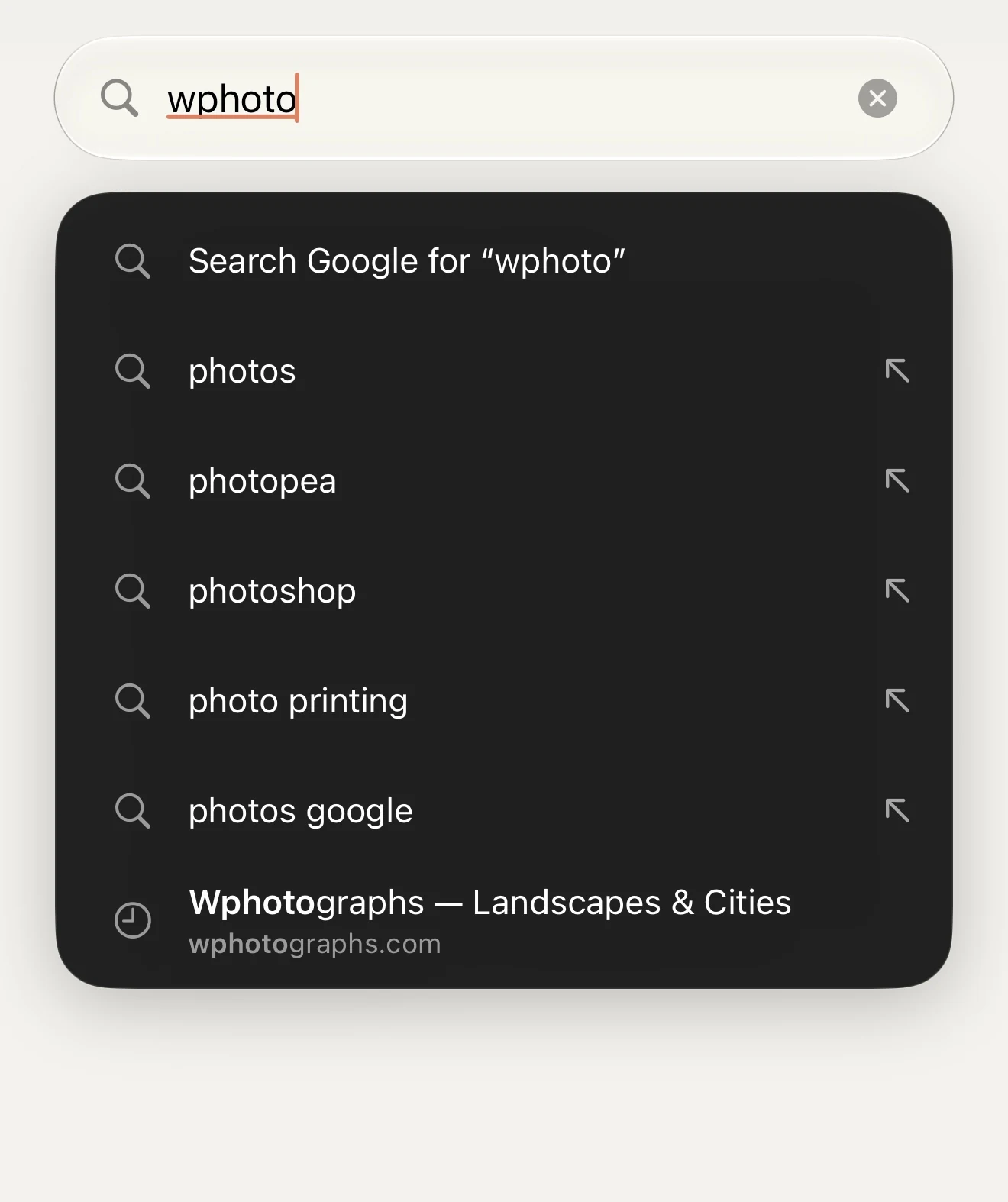
Ataraxia for iPhone start page: the coral A, the greeting Good evening and a single search field on warm ivory.

Clean Start Page

Begin with nothing in the way.

The mark, a greeting and one field. Everything else waits until you ask for it.

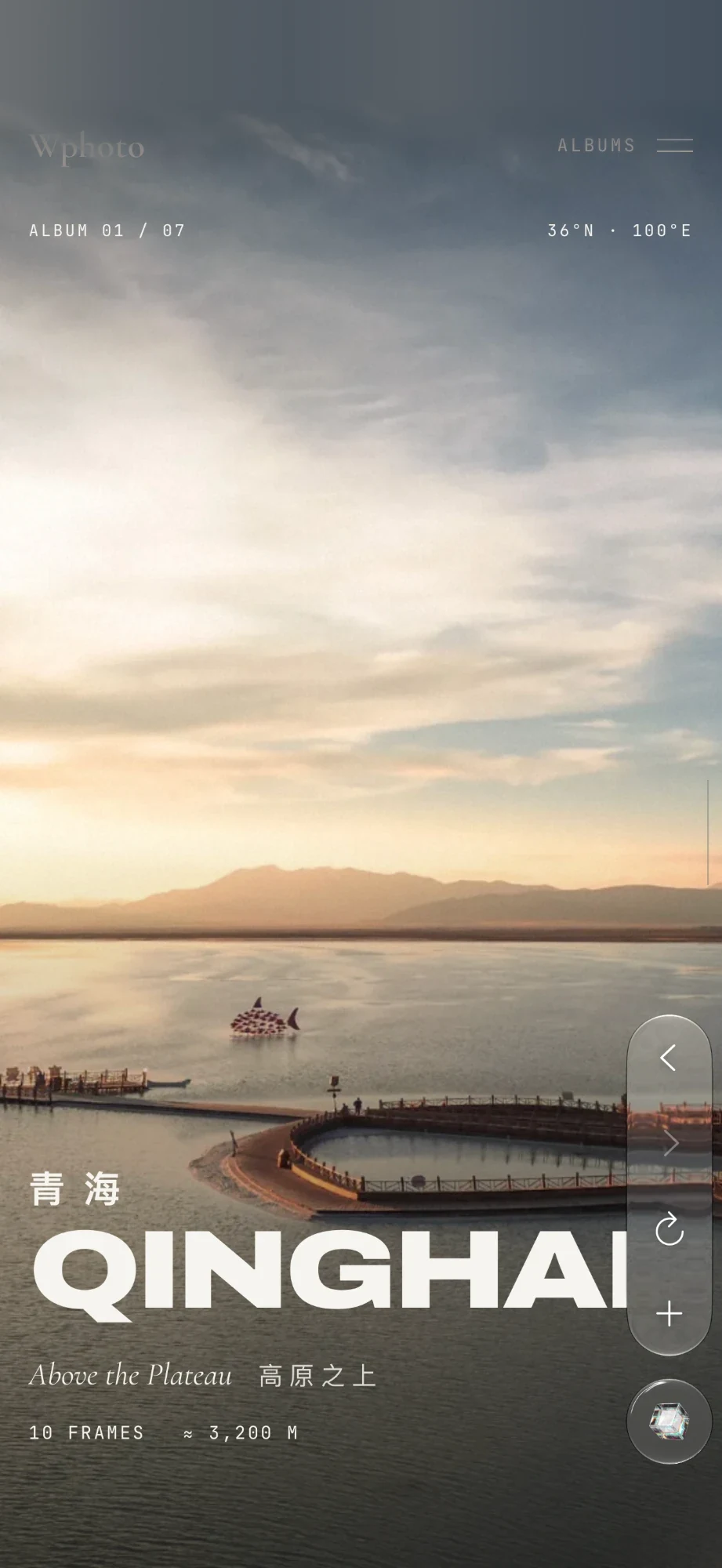
A Wphotographs album filling the whole iPhone screen, with a small column of glass controls at the lower right.

Fully immersive browsing

The page is the whole screen.

No bars above or below. A small column of glass controls rests within reach of your thumb.

ἀταραξία · tranquillity

A little more stillness.

The web is boundless. Our attention isn't.

Ataraxia was created around a simple idea: browsing should feel open, deliberate and calm.

Not another layer of noise. Just more room to think.

Ataraxia logo: the embossed coral A above the Ataraxia wordmark, with the line 'Browsing, Elevated'.

The web, with room to breathe.

An independent spatial browser, thoughtfully made for Mac.

Availability

Ataraxia is in active development. The current build, version 0.11.0, is a private preview and is not yet available for public download.

Available in 0.11.0 for Mac
Spatial canvas · Free Peek · weak snapping · resizable cards · coral loading · session restoration · Start Page · Smart Omnibox, bookmarks and history · Profile Spaces
In development
Immersive Browsing · Immersive Mode · Ataraxia for iPhone (iOS 26 or later)